

What Is Size It Up?
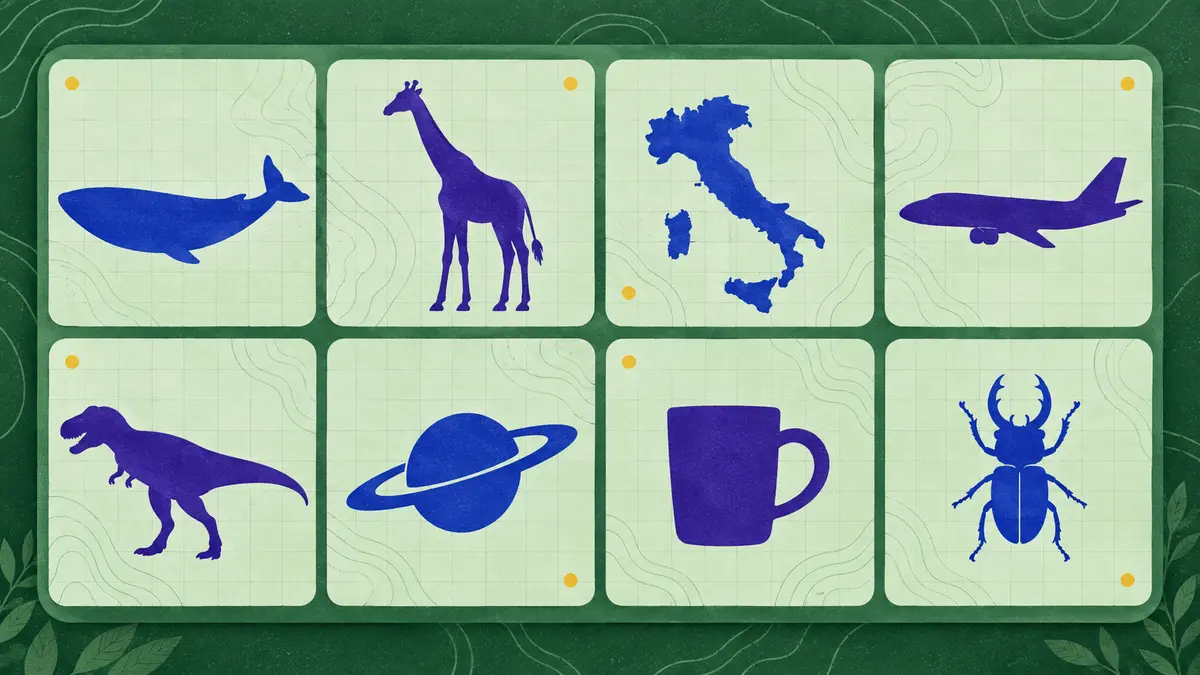
The Size It Up game turns a familiar question—how big is that thing?—into a visual size-guessing puzzle. You may recognize a whale, giraffe, rocket, bus, or landmark immediately, yet still have no reliable picture of its real dimensions. The reference silhouette gives you a measured starting point; your task is to make the target look right beside it.
The game is built around comparison rather than trivia recall. You never have to type the answer in metres or kilometres. Instead, you adjust a white cut-out, commit to the proportion that feels right, and then see the true outline drawn over your guess. That reveal is the satisfying part: it turns a vague impression into a concrete measurement, a score, and a fact you can use next time.
Daily, Unlimited, and Category Play
The game area above keeps the main experience in one place, with Daily and Practice controls plus a category selector. Daily mode is the short shared challenge: everyone receives the same five comparisons, and finishing the set gives your streak a clear purpose.
When five rounds are not enough, Unlimited mode works as a practice room. It draws fresh random pairs from the wider library, keeps recent pairs out of the draw when possible, and lets you choose a run of 5, 10, 20, or unlimited rounds. Its average and best run are separate from Daily, so you can practise difficult comparisons without changing the meaning of your streak.
Categories give the same mechanic different kinds of mental anchors. Mixed rounds combine familiar objects, animals, and unusual references. Animals focus on length, height, or wingspan; Geography compares a labeled span rather than area; Vehicles usually use end-to-end length or standing height; Dinosaurs compare body length; Space uses body diameter. Pop Culture rounds ask you to confirm the exact version before trusting the number.
How to Play the Size It Up Game
- Compare the reference. Find the black silhouette and read the ruler or measurement label. Check which dimension the round is asking you to compare before you touch the target.
- Resize the target. Drag the white silhouette to move it, then pull a corner, edge, or ruler handle to scale it. On supported phones, pinch to resize; zoom the board out when a very large object needs more room.
- Lock in your guess. Press Lock in or use Enter when the proportions feel right. The game draws the true size in red over your estimate and shows the measurement, error, and round score.
How Size It Up Scoring Works
The Size It Up game uses the size ratio, so being twice too large is treated like being half too small. A near-perfect estimate within 6% earns 100 points. The published scoring curve also gives 90 points at 12% off, 78 at a fifth off, 62 at a third off, and 45 when your estimate is half or double the true size. Three times off earns 30, while an estimate five times away earns zero. Daily mode therefore has a 500-point ceiling across five rounds.
This curve rewards a better proportion even when you do not know the exact measurement. It also keeps the game honest: choosing a tiny target every time is not a reliable strategy because the ratio works in both directions.
Why Familiar Objects Still Surprise You
Photos teach recognition, not scale. A blue whale can look manageable on a screen until the reveal shows roughly 27 metres beside a 12-metre school bus. The Eiffel Tower and Statue of Liberty create a similar shock because their heights are about 330 and 93 metres. Area comparisons can be just as counterintuitive: Texas is larger than France by area even though both shapes are hard to hold in your head.
Unlimited practice makes those surprises useful. After enough rounds, you start carrying a few anchors—about 1.7 metres for a person, 12 metres for a bus, 24 metres for a tennis court—and estimating new objects in relation to them. The point is not to memorize a catalogue. It is to make the next comparison less abstract.
Tips for Better Estimates
- Start with a ratio. Decide whether the target should be half, similar, twice, or several times the reference before making small adjustments.
- Read the axis. Length, height, wingspan, diameter, and area are different questions. Follow the label instead of judging only the amount of screen space.
- Place before polishing. Move the silhouette beside the reference first, then resize. Position makes relative length easier to judge.
- Use the reveal as feedback. Notice whether you consistently guess too small or too large, and carry that correction into the next round.
- Practise the hard category. Use Unlimited to repeat animals, geography, vehicles, or space comparisons instead of spending your Daily attempt learning the controls.
Measurements, Versions, and Fair Comparisons
The answer is only useful when the object version and dimension are clear. A vehicle may be measured end to end, a tall animal by height, and a planet by diameter. Pop Culture and landmark comparisons can also depend on which edition, structure, or reference point is selected. Read the caption shown in the reveal before treating a result as a fact.
Challenge a Friend After a Run
Once you finish a Daily Size It Up game or an Unlimited run, you can share the result or send the same pair sequence as a challenge. Unlimited supports runs of up to twenty rounds, and a single difficult reveal can become a one-round dare. Your friend sees the same silhouettes and gets one attempt, which makes the comparison about estimation skill rather than who happened to receive an easier draw.
Game Details
- Title: Size It Up
- Genre: Visual estimation, puzzle, trivia, educational
- Platform: Web browser
- Modes: Daily, Practice, category play, and Unlimited practice
- Daily format: Five comparisons
- Daily score: Up to 100 per round; 500 total
- Objective: Resize the target to match its real-world scale beside the reference