The Choicer Voicer · Built-in browser content
Play The Choicer Voicer Dub Packs Online
Looking for The Choicer Voicer Dub Packs? Choose a built-in scene, play it online, and record your own voice in Dub Mode.
The homepage game includes a growing library of scene-based Dub Packs. Pick a scene below to jump back into the game with the correct pack selected, then return to the browser game whenever you are ready to perform. To split the cast and record with friends, continue to Choicer Voicer Multiplayer.
This page is for the built-in browser catalog. For downloadable-version community content and original source listings, visit the separate GameBanana Packs directory.
Native browser catalog
The Choicer Voicer Built-in Dub Pack Catalog
Browse built-in scenes from The Choicer Voicer, compare themes, line counts and durations, then launch any Dub Pack directly in the browser game.
 Dub Pack
28 Stab Wounds
by Broover
 Dub Pack
Adventure time-The pup gang meets lemongrab
by hoopyloop98
 Dub Pack
American Psycho - Business Card Scene
by monkeyman
 Dub Pack
Are you the strongest?
by Squidge
 Dub Pack
Attack on Titan - Eren Manipulates Grisha
by GabrielTS121
 Dub Pack
Attack on Titan - You Traitor
by Buqon
 Dub Pack
Azumanga Daioh - Oh My Gah
by Hika-Chan
![Backrooms Dinner Scene [DUB] The Choicer Voicer Dub Pack cover](https://r2.youmakethishouseahome.online/packs/backrooms-dinner-scene-dub/7a6efd8a651f532b1a89f599734122f3/cover.webp) Dub Pack
Dub PackBackrooms Dinner Scene [DUB]
by MoonlightShaded
 Dub Pack
Баскетбол Куроко — Акаши непогрешим
by Karambicus
 Dub Pack
Бэтмен против Бэйна (Темный Рыцарь Возрождение Легенды)
by finn!
 Dub Pack
Big Smoke's Order
by Tauras
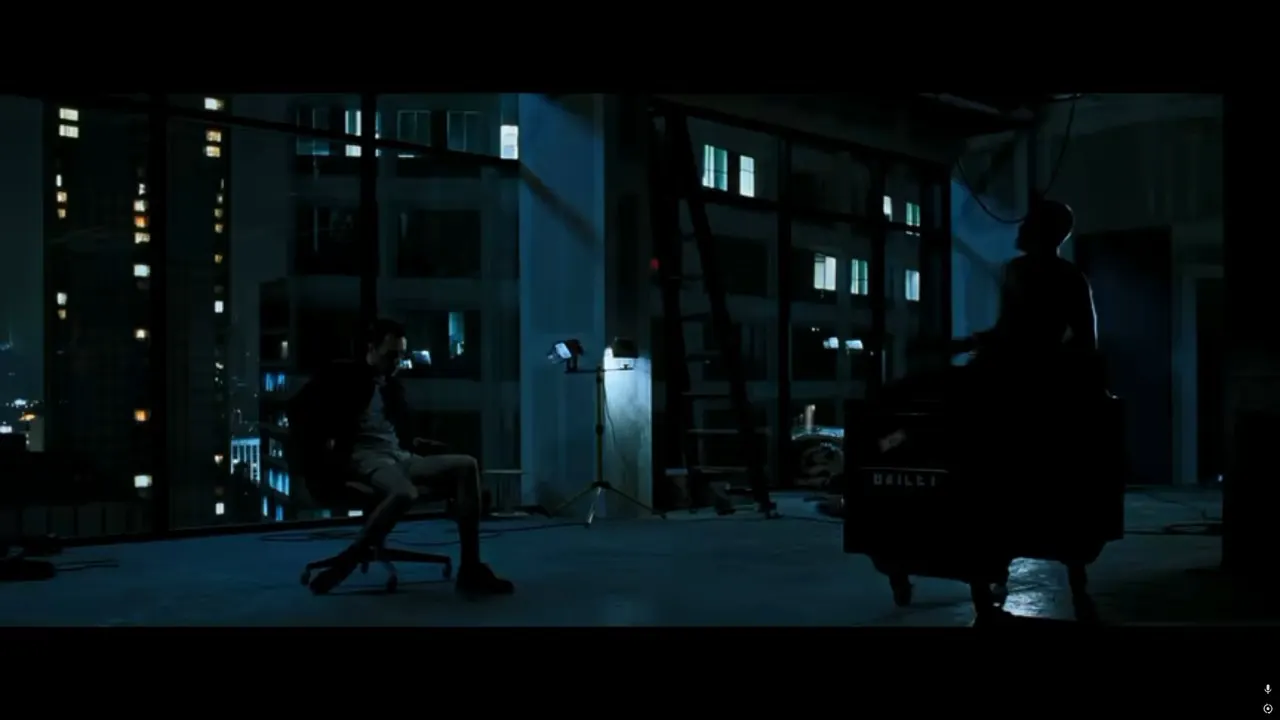 Dub Pack
Бойцовский клуб — Сцена с пистолетом
by Unknown creator
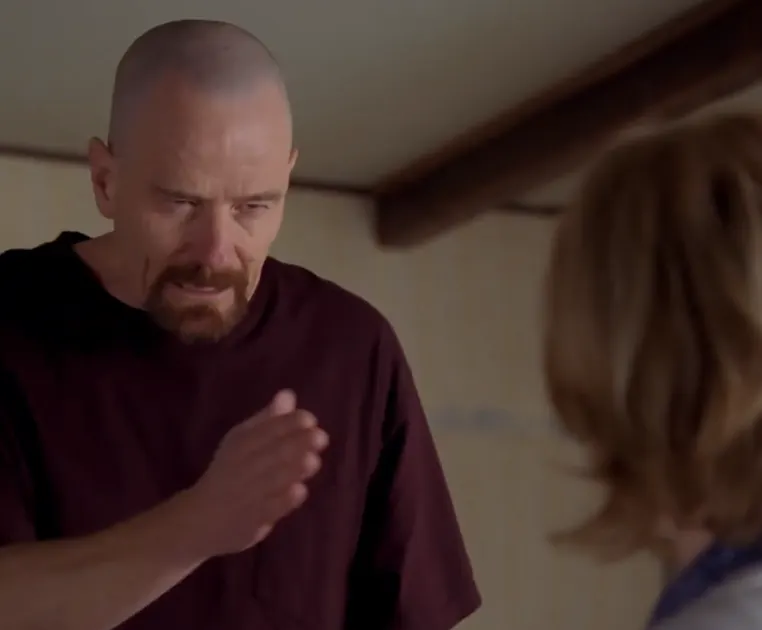 Dub Pack
Breaking Bad - I Am The Danger
by Pothas
 Dub Pack
BUNCH OF FRIENDS im district demon
by Phasmophobe
 Dub Pack
Caine's Crashout
by Randaj
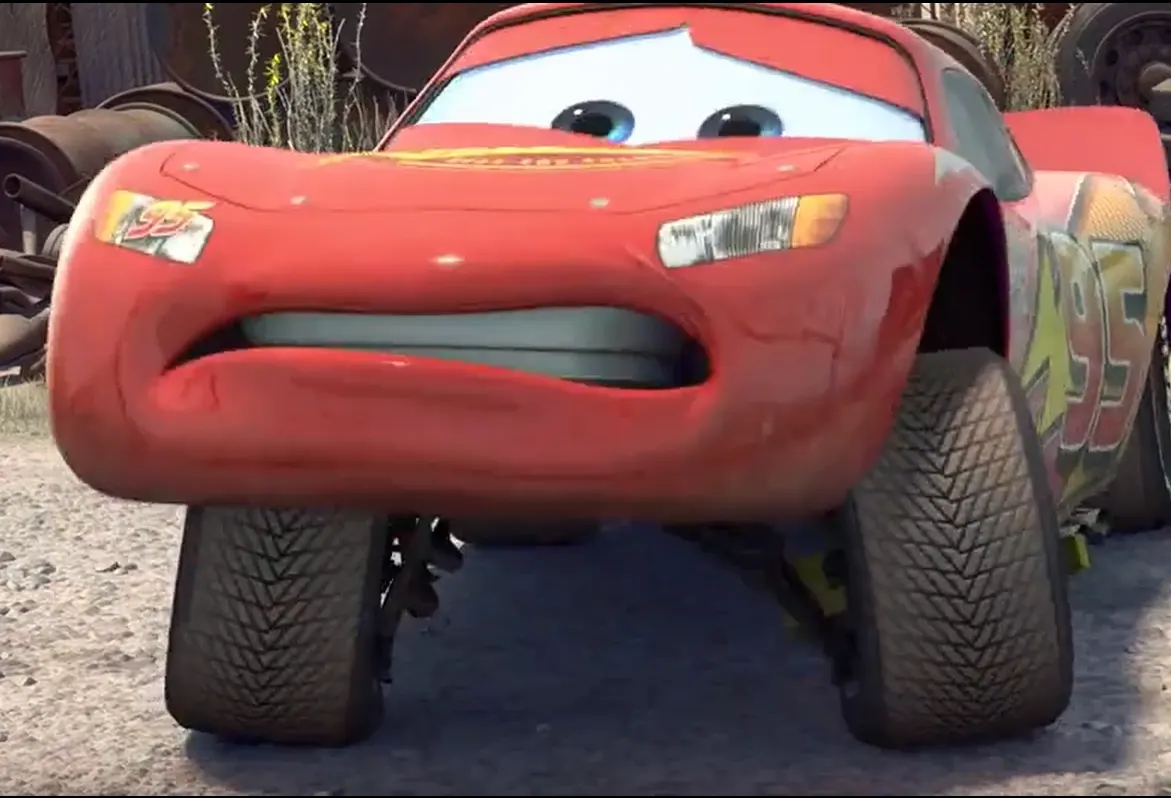 Dub Pack
Carros - McQueen e Mate se Conhecendo (PT-BR)
by GabrielYkho
Showing 16 of 142 matching Dub Packs
Who Should Play These Dub Packs?
These built-in Dub Packs are a good fit for players who enjoy voice acting, movie and TV scenes, anime moments, memes, or performing with friends. You do not need to know every source clip before starting: choose a familiar scene for an easy warm-up, or use an unfamiliar one when the fun is trying to match the timing and attitude.
For the smoothest first session, use a modern desktop or laptop browser, a quiet room, and headphones so the reference audio does not leak back into the microphone. Allow microphone permission before the scored round, then check that your input meter responds when you speak. If you are playing with friends, take turns in the same studio and keep the next scene ready.
Short packs work well as a warm-up or quick solo challenge. Longer packs give a local group more lines to rotate through, especially when everyone wants to try a different character or delivery.
What Is a The Choicer Voicer Dub Pack?
A Dub Pack is a short, timed scene designed for the game’s Dub Mode. Instead of reading a standalone voice prompt, you follow the timing of a video scene and recreate the spoken lines with your own delivery.
Each built-in pack can contain multiple lines, a reference track and scene assets. The catalog shows the estimated runtime and line count so you can choose a quick warm-up or a longer scene for a group session.
How to Play a Dub Pack
- 1. Choose a scene. Browse the catalog cards to compare scene titles, creators, themes, line counts and durations.
- 2. Select Play this built-in Dub Pack. The link returns to the homepage and passes the pack slug so the game opens the selected scene.
- 3. Allow microphone access. The browser needs an input device to capture your performance for a scored round.
- 4. Perform and replay. Follow the scene timing, complete the lines, then review the round and try the delivery again.
Open the browser game
Built-in Dub Packs vs. GameBanana Packs
The built-in Dub Packs on this page are available through the free browser game and can be launched with one click. They are part of the native catalog used by the homepage player.
The GameBanana Packs directory is a discovery page for community-made content tied to the downloadable version. Its cards point to the original public listing rather than selecting a browser pack.
If a Dub Pack Does Not Load
The first load may take a moment because the game fetches scene assets from the catalog. Keep the game tab open while the pack loads, check that browser audio is not muted, and grant microphone permission before starting a round. If the request is interrupted, refresh the homepage and select the same pack again.